AQF Level 5
AI Essentials for Qualifiers
AQF Level 5 course covering static-site generation, deployment workflows, and AI-assisted tooling. 7 modules, 28 lessons, and 7 assessments including the capstone.
This is a hands-on, progression-based course. Each module builds on the last. Use N/P to navigate between pages, or browse the syllabus below.
You have 7 assessments across 7 modules.
Course Map
7 modules · 28 lessons ·7 assessments
Module 01
Purpose and posture: static HTML, AI, and the creative director
Why this course exists; what static means; AI as accelerator, not a substitute for judgement.
Module 01
Purpose and posture: static HTML, AI, and the creative director
Why this course exists; what static means; AI as accelerator, not a substitute for judgement.
- 01What static HTML means todayStatic sites are files the browser opens directly—fast and simple to host, with clear limits.
- 02AI as accelerator, not a substitute for judgementAI helps you move faster; you still decide what is true, fair, and safe to publish.
- 03Creative director — brief, taste, acceptance criteriaHold the intent; let tools do the typing. You will write the full brief template in Module 06.
- 04Hand-coding, AI-first, and hybrid pathsThere is no single righteous path—only fit for goal, risk, time, and maintenance.
- 05Where fundamentals still change the outcomeFundamentals turn 'it loads' into 'it works for people'—Module 05 goes deeper; Module 02 opens the IDE workflow.
Module 02
IDEs and a sane project workflow
Files, folders, live preview, search/replace, and extensions — reduce friction so you ship pages.
Module 02
IDEs and a sane project workflow
Files, folders, live preview, search/replace, and extensions — reduce friction so you ship pages.
- 01Your project folder is the productYou build a real folder on disk—structure before fancy tools.
- 02Opening the IDE and the workspaceThe workspace is your site root—open the folder, not single files.
- 03Edit, preview, search, formatSmall IDE moves remove friction—more tries, faster learning.
- 04Optional — a snapshot in time (Git idea)Git is optional here—know when you'd want history.
Module 03
Cloud AI coding assistants
Cursor, Claude, Gemini, and ChatGPT to a point — roles, limits, privacy, and when chat beats the editor.
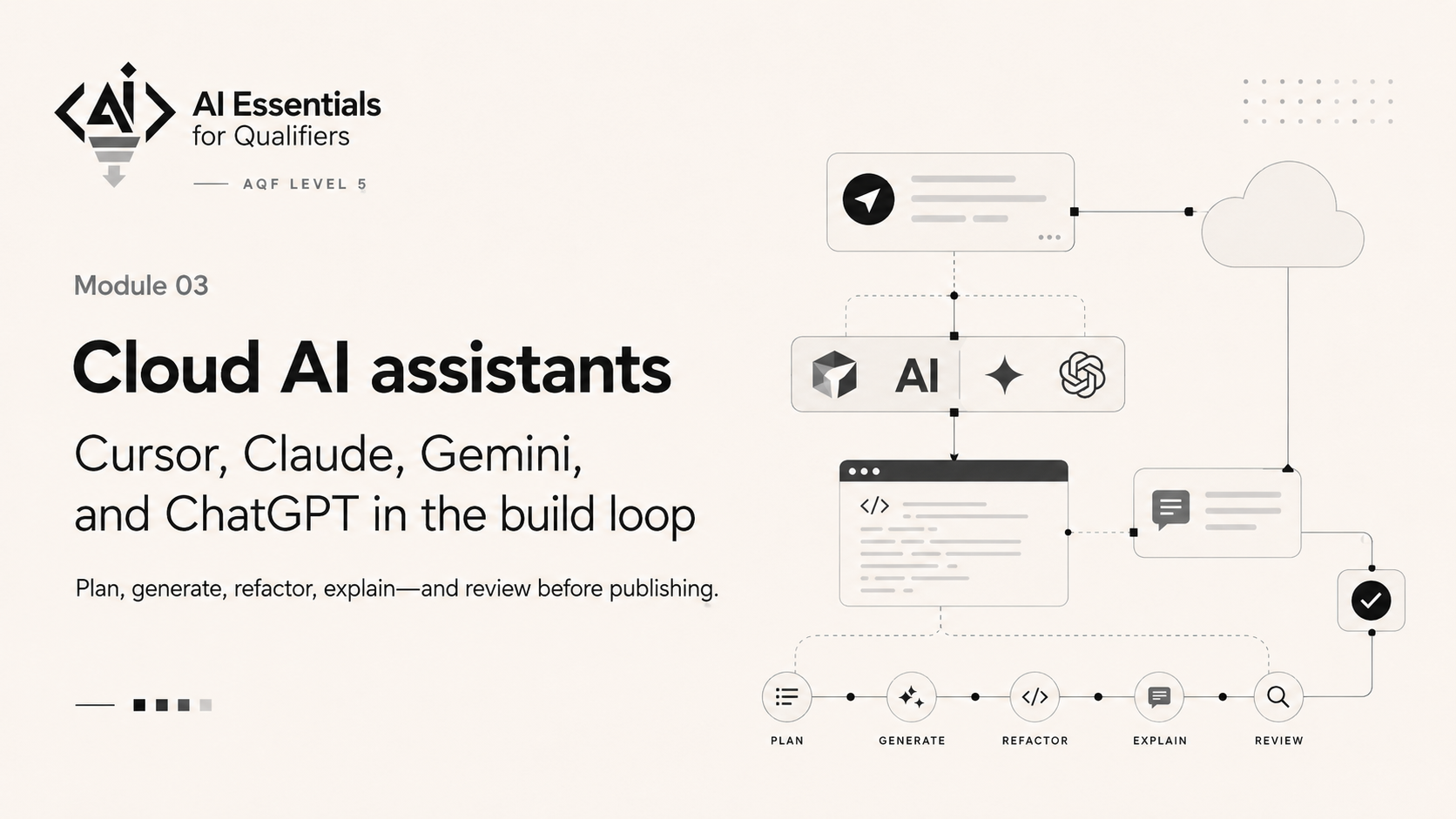
Module 03
Cloud AI coding assistants
Cursor, Claude, Gemini, and ChatGPT to a point — roles, limits, privacy, and when chat beats the editor.
- 01Roles in the loop — and why this course lives in an IDESame job, different seats: chat explains; the IDE edits files you can ship.
- 02Wire AI into your workspaceConnect one assistant to my-static-site—or document honestly what blocked you.
- 03Privacy, policy, and workplace realitySign-in flows are easy; breaking policy is expensive—pause before you paste.
- 04Review checklist for generated HTML and CSSEvaluation beats vibes—turn judgement into ticks on a list.
- 05From draft to shipped static filesGenerate anywhere—land the result in your project folder and refresh the browser.
Module 04
Local AI and open-weight models
Privacy, cost, hardware, and proportionality — Qwen, DeepSeek, MiniMax-class stacks at a high level.
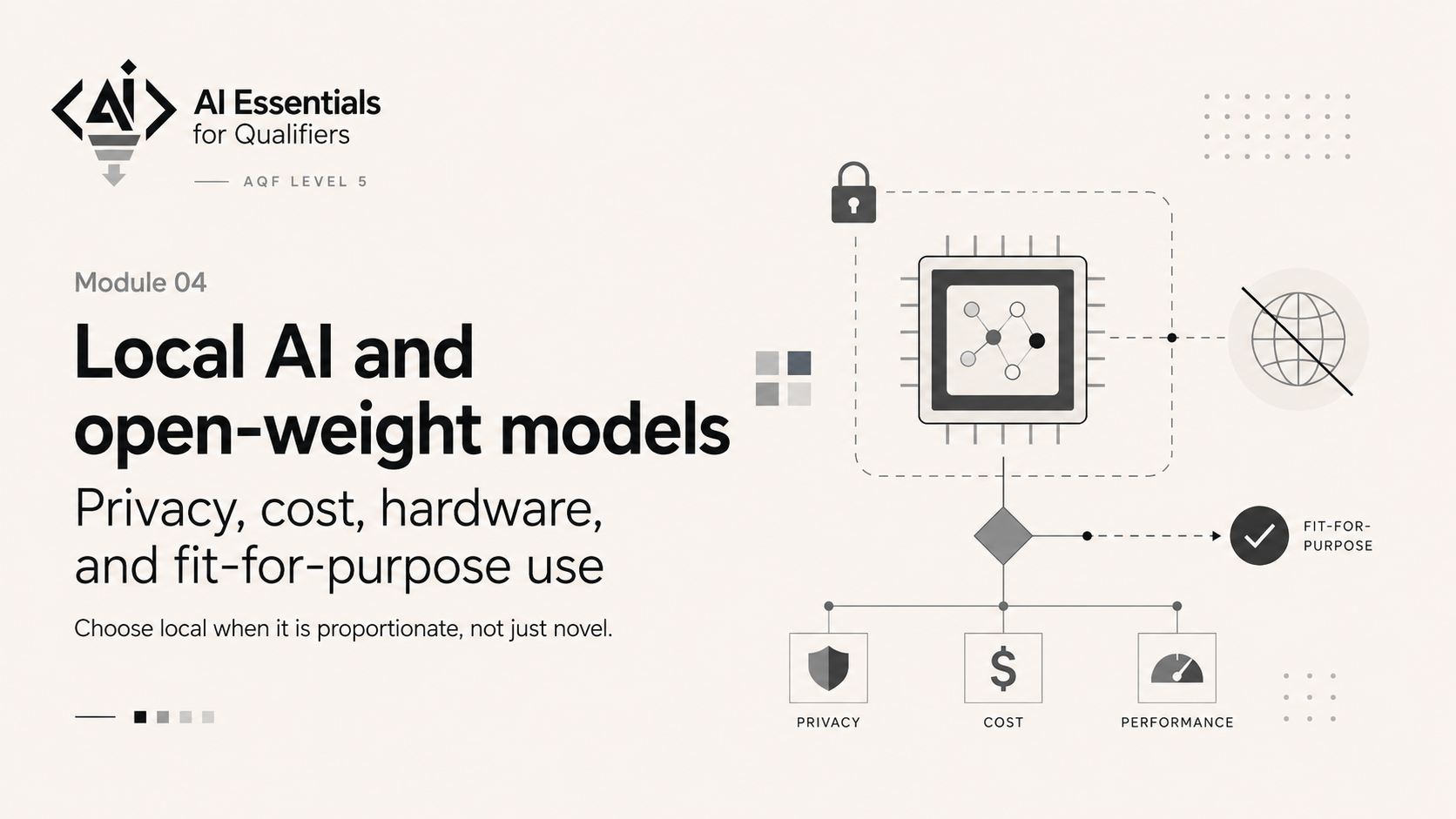
Module 04
Local AI and open-weight models
Privacy, cost, hardware, and proportionality — Qwen, DeepSeek, MiniMax-class stacks at a high level.
- 01Why go local? — privacy, cost, offlineLocal is a choice—not magic—driven by privacy, cost, and connectivity.
- 02Open-weight families — Qwen, DeepSeek, MiniMax-class (high level)Names are signposts; docs and licences change—learn to follow the source.
- 03Hardware, time, and proportionalityBig models want big hardware; small sites rarely need the biggest brain.
- 04Responsible use and organisational boundariesLocal does not erase policy—trust, licence, and IT rules still apply.
Module 05
Why basic code literacy still matters
Reading HTML/CSS, spotting broken semantics, and optional depth on freeCodeCamp — steer AI, don't guess.
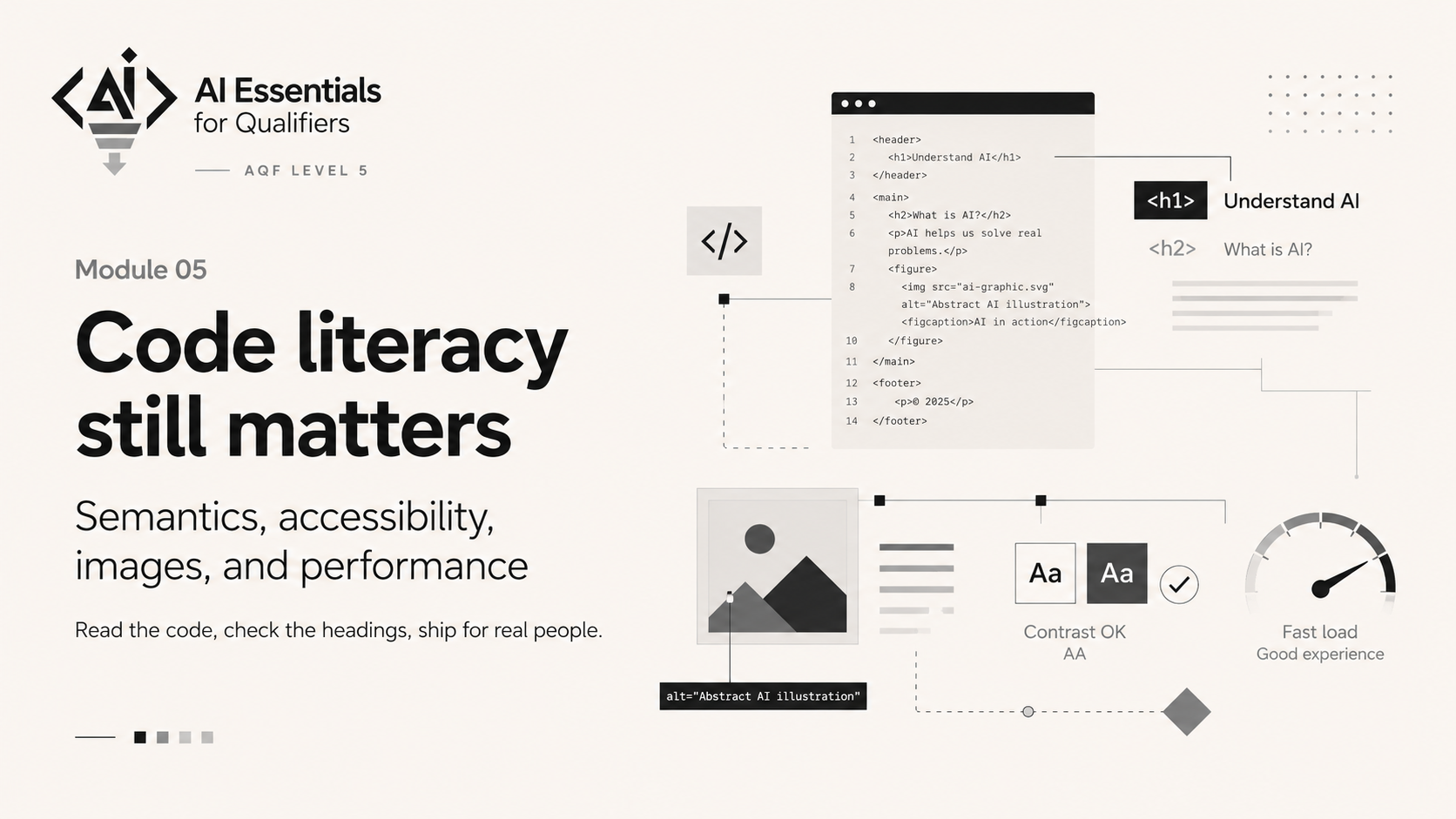
Module 05
Why basic code literacy still matters
Reading HTML/CSS, spotting broken semantics, and optional depth on freeCodeCamp — steer AI, don't guess.
- 01Reading code is a professional skillYou direct AI with prompts; you verify with reading—structure shows up in code.
- 02HTML semantics in plain EnglishSemantic tags describe meaning—better for access, SEO, and maintenance.
- 03Heading order and one main idea per levelHeadings are an outline—skipping levels confuses people and software.
- 04CSS — what to skim firstFix hierarchy and readability before chasing exact pixels.
- 05freeCodeCamp and other free foundations (optional depth)Structured practice elsewhere deepens literacy—optional, self-paced, not a gate.
Module 06
Prompting as design: briefs, constraints, review loops
Turn intent into prompts, acceptance criteria, and honest iteration before you ship the capstone.
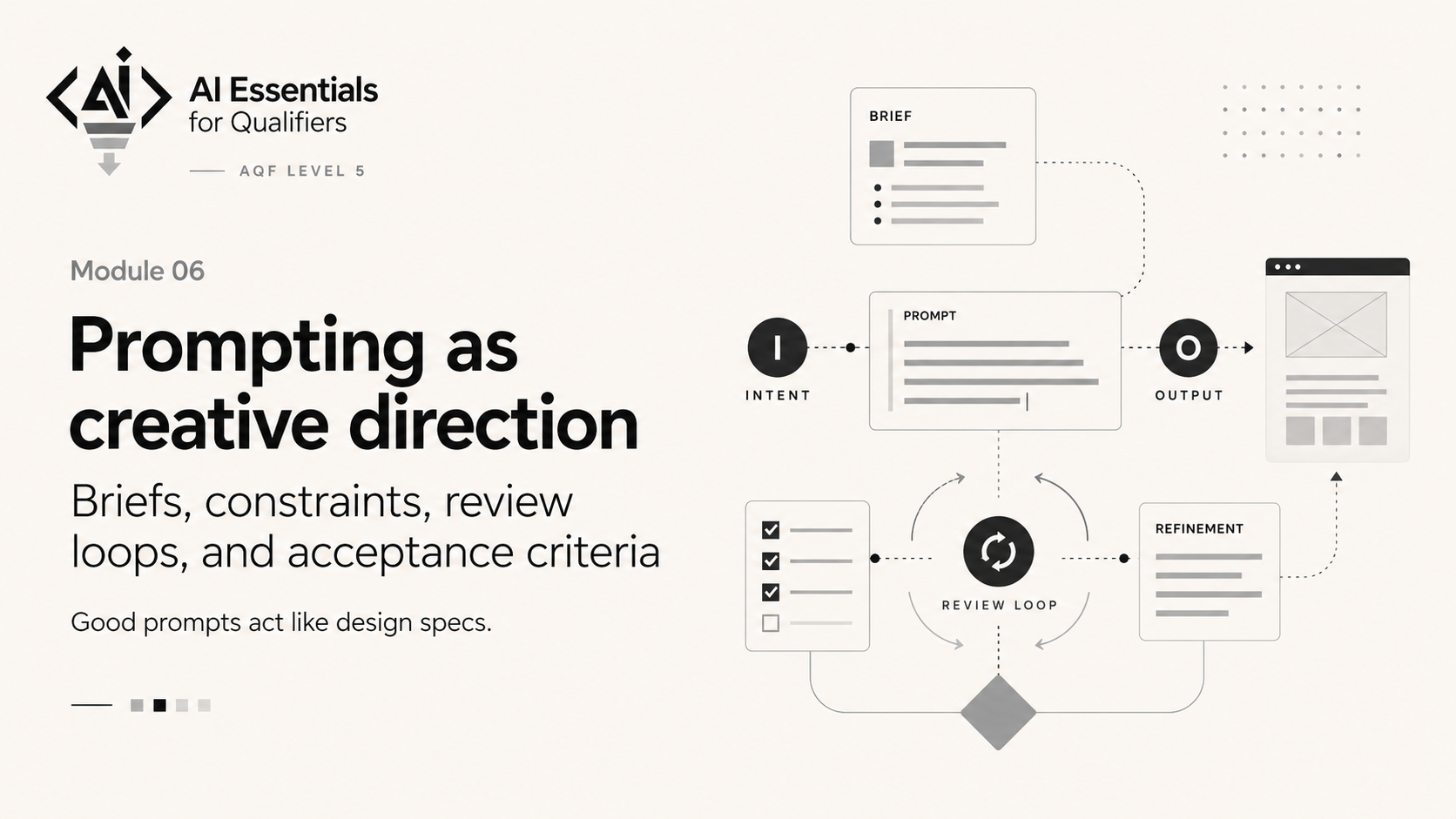
Module 06
Prompting as design: briefs, constraints, review loops
Turn intent into prompts, acceptance criteria, and honest iteration before you ship the capstone.
- 01From vague idea to a one-page briefThe brief is the contract with yourself and the AI—clear enough that anyone could build from it.
- 02Prompt engineering for static sites (without hype)Good prompts behave like design specs—constraints and proof of done beat vague adjectives.
- 03Review loop: generate, check, refineEach cycle reduces risk; stop when acceptance criteria are met, not when you are merely tired.
- 04Capstone alignment: what you will submitMap your brief to capstone rows and draft the evidence pack before you build.
Module 07
Capstone build: ship your static mini-site
Work-integrated capstone — deploy a live site and submit the evidence pack.
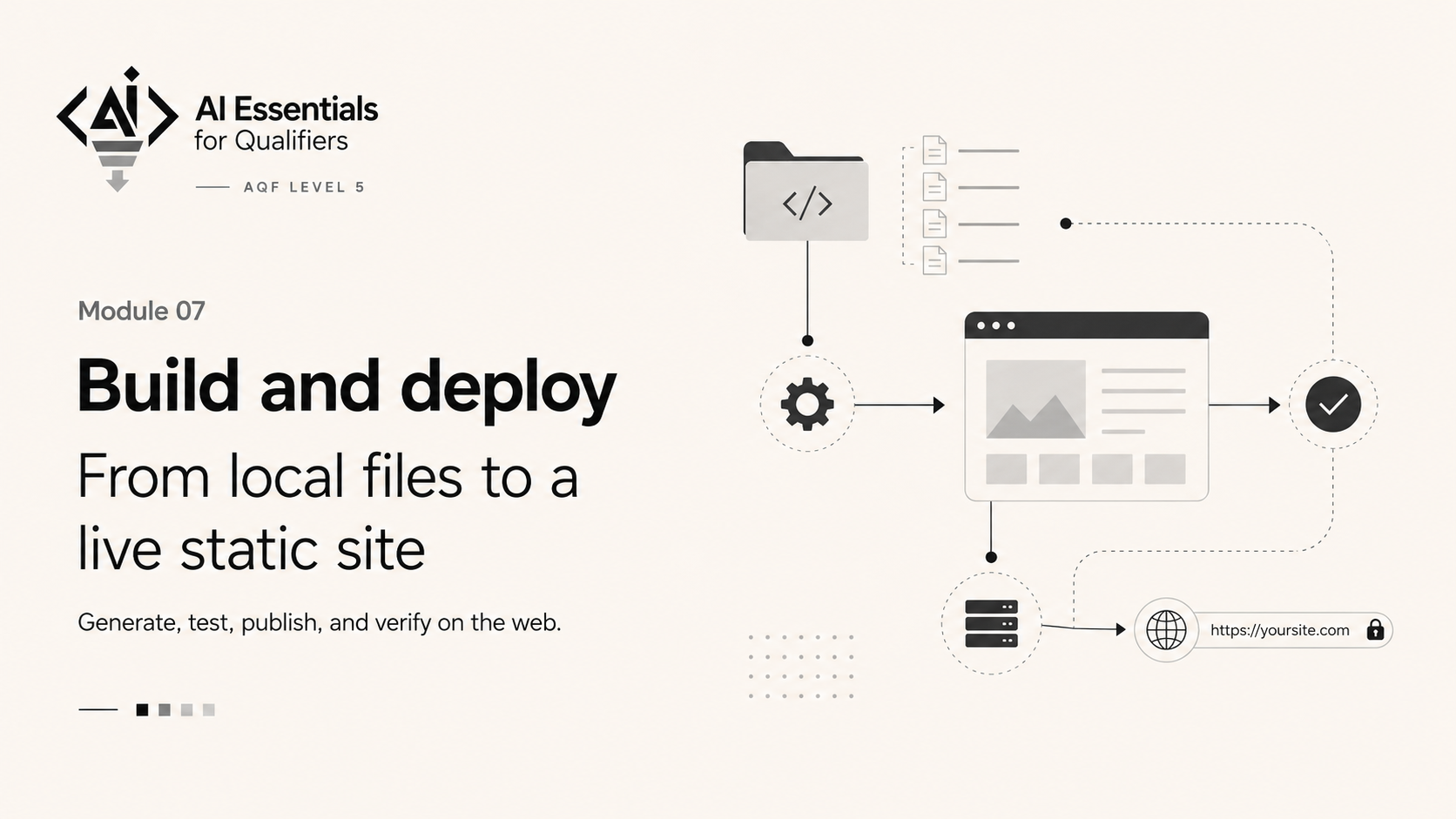
Module 07
Capstone build: ship your static mini-site
Work-integrated capstone — deploy a live site and submit the evidence pack.